




This project is a CLI that converts CSV files from
Midori
into Anki APKG decks. You can also use your own CSV
files as long as they follow the kanji,kana,meaning convention mandated by the
midorianki application.
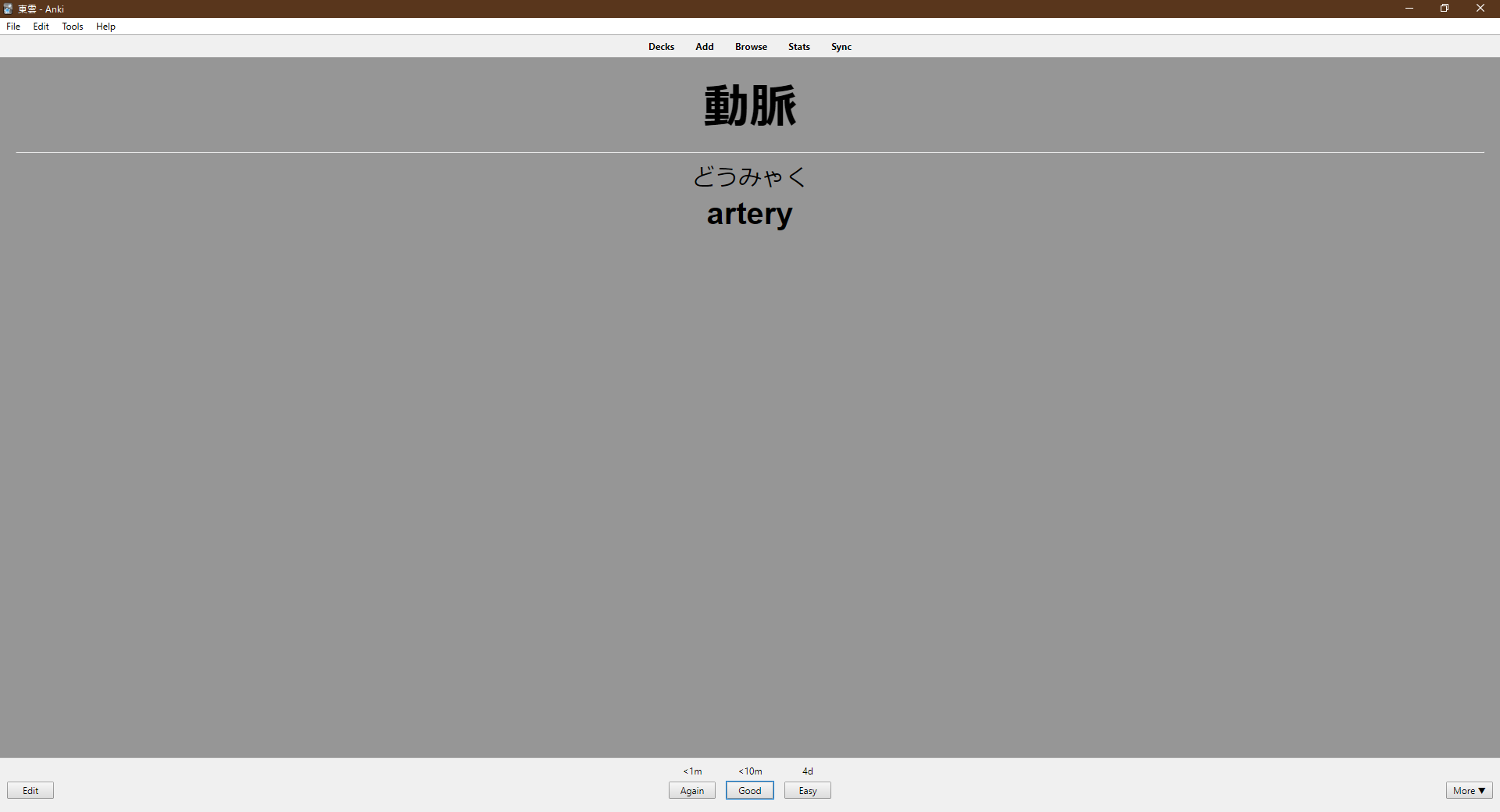
Follow the installation steps below to set up this terminal application. See also
pyproject.toml to examine the dependency graph.
uv is the recommended way to install this
Python application in an isolated environment:
uv tool install git+https://github.com/StefanGreve/midorianki.gitOnce installed, run it directly with midorianki <args>.
Get help:
midorianki --helpCreate a new Anki deck:
midorianki convert --path <csv> [--name <string>] [--dest <path>]The deck name defaults to csv's file stem if --name is not specified.
The default target directory is always the current working directory.
Pass --no-verbose before the command to silence status output (errors are still
reported); it is a global flag, so it must precede the subcommand:
midorianki --no-verbose convert --path <csv>Install shell completion for your shell (bash, zsh, fish, or PowerShell) with:
midorianki --install-completionOr print the completion script to stdout and place it yourself by using the
--show-completion flag.
The import command pushes an existing .apkg deck straight into your local
Anki collection via AnkiConnect,
from where Anki's own sync carries it to AnkiWeb.
midorianki import --path ./deck_title.apkgThe deck lands under the name baked into the .apkg; use convert --name to set
that name beforehand. Pass --host/--port if AnkiConnect does not listen on the
default 127.0.0.1:8765.
Important
In order to use the import command, you need the AnkiConnect add-on. To install it, navigate to
Tools > Add-ons, click Get Add-ons... and enter the code 2055492159. Afterwards, restart Anki.
Anki must be running whenever you import a deck.
# download a test file
curl https://gist.githubusercontent.com/StefanGreve/5d8d3111eb4e29bbce691f6ef2ebb656/raw/4a8b081086fa4174b64c6f86be33fb07fa36590f/kaze-no-uta-wo-kike.csv --output test.csv

# creates a deck_title.apkg file in the home directory
midorianki convert --path ./test.csv --name "deck_title" --dest $HOME
# import the deck into Anki
midorianki import --path $HOME/deck_title.apkgSet up a development environment with uv, which creates a managed virtual
environment and installs the runtime and dev dependencies:
git clone https://github.com/StefanGreve/midorianki.git
cd midorianki/
uv sync --all-groups
Run the application from this environment with uv run midorianki <args>.
Public functions are documented with
Google-style docstrings. ruff enforces linting (including the docstring convention) and formatting; its configuration lives in pyproject.toml. Run the
checks from the development environment:
uv run ruff check       # lint
uv run ruff format      # apply formatting (--check to verify only)